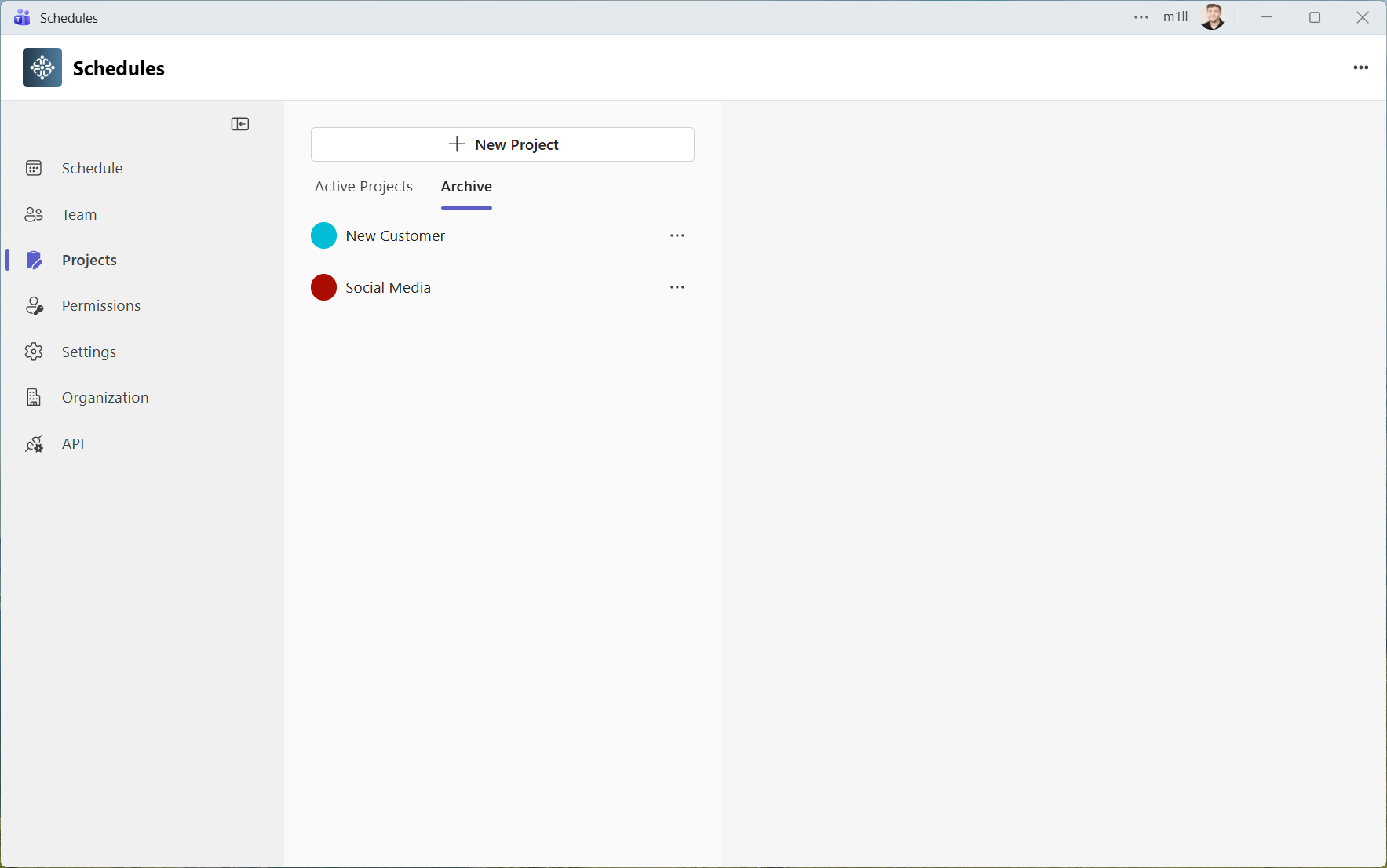
Projects Management
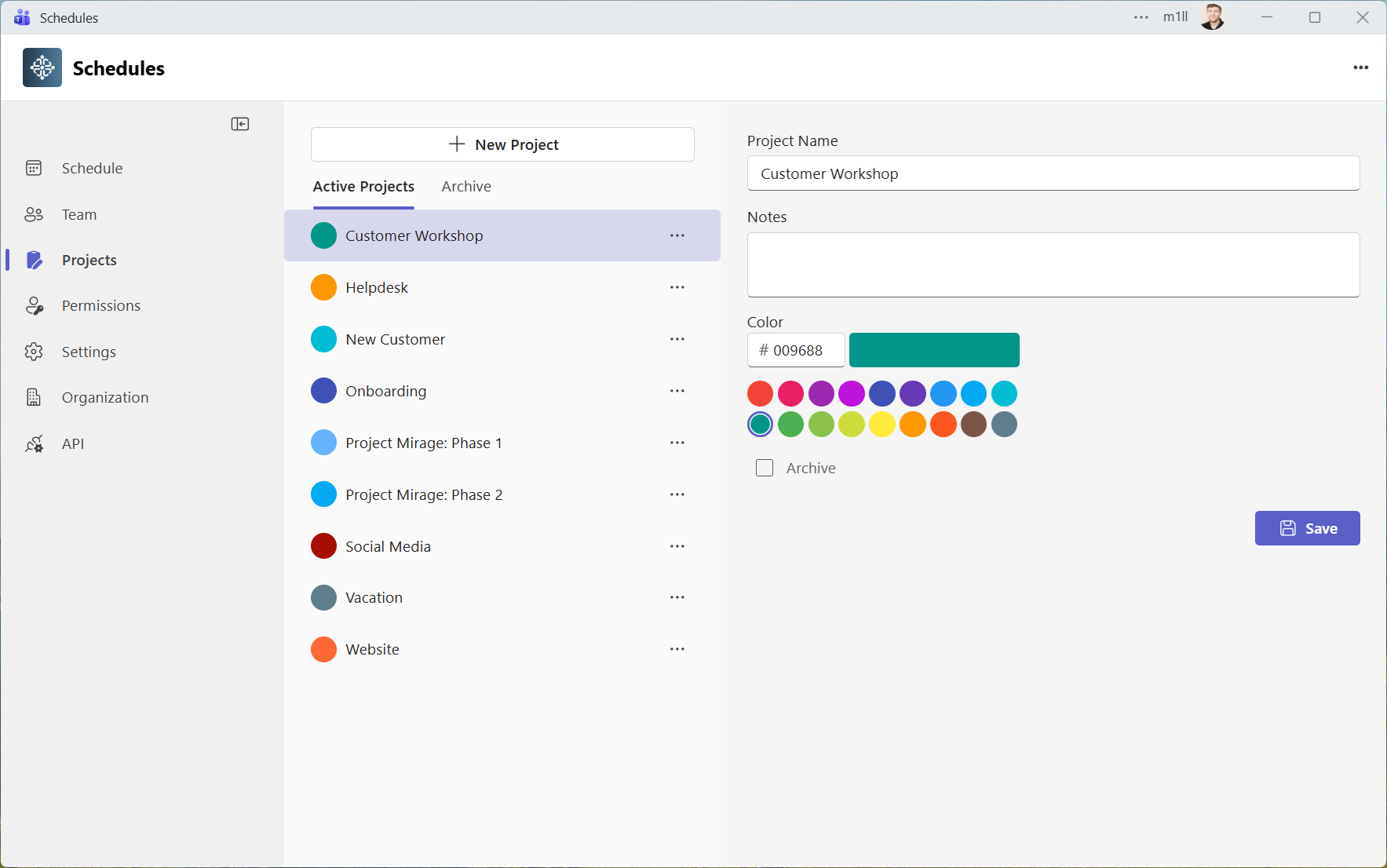
Administrators manage projects from Projects in the sidebar. A project labels and colours appointments; it does not grant access. See appointment management to assign it to an appointment.
Add Projects
To add projects:
- Open Projects in the sidebar
- Click on New Project
- Add a Project Name and optionally configure the other properties
Edit Projects
To edit projects:
- Open Projects in the sidebar
- Select the Project you want to edit
- Edit the Project and click on Save
Delete Projects
To delete projects:
- Open Projects in the sidebar
- Click on the menu button next to the project you want to delete
- Click on Delete
- Confirm that the project will be deleted permanently
If you want to remove projects from the dropdown list but not delete it completely you can instead archive it.
Archived Projects
Archived projects no longer appear in the project dropdown when creating or editing appointments. Open the Archived tab on Projects to find them and restore a project when it is needed again. Prefer archiving to permanent deletion if you want to retain the project for historical appointments.
Review affected appointments before permanently deleting a project. Deletion is not the same as archiving and the app has no project recycle bin.